
PNG to WebP Converter
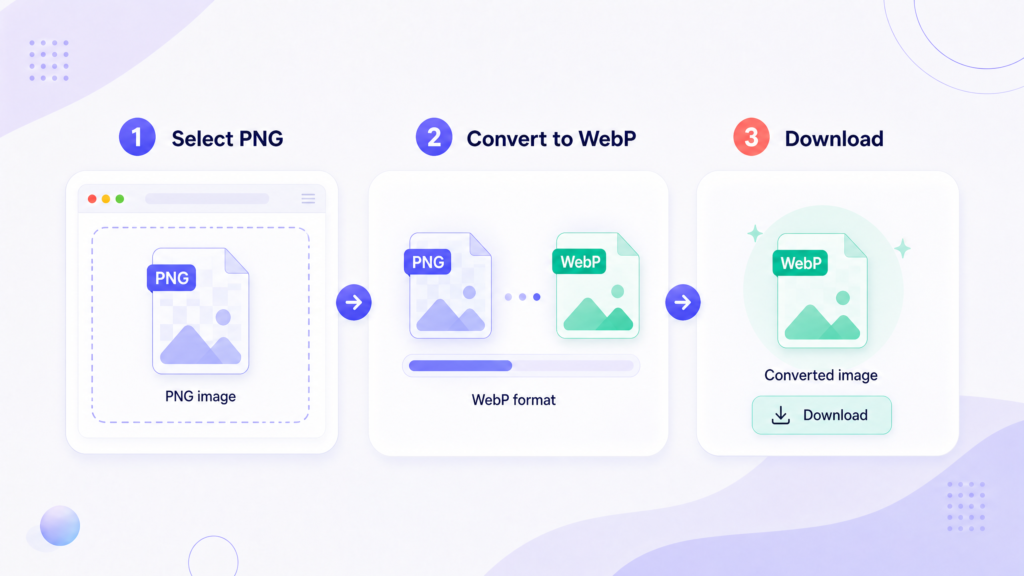
Drop files here or tap to browse
Converted in your browser · nothing is uploaded
85% keeps detail while staying small
Files are converted on your device. They are never sent to a server.
Why convert PNG to WebP
PNG stores every pixel exactly as it was drawn. That is the right behaviour for a logo or a diagram, and the wrong behaviour for almost anything you put on a web page. A PNG screenshot that could be 60 KB often ships at 900 KB.
WebP handles both cases. It has a lossless mode that beats PNG at its own game, and a lossy mode for when perfect fidelity is not worth the bytes. Either way it keeps transparency, which is usually the reason a file was PNG in the first place.
What kind of savings to expect
- Screenshots and UI mockups — typically 60–80% smaller. This is where WebP wins most decisively.
- Photographs saved as PNG — often 90% or more. A PNG photo is the single most wasteful file on most websites.
- Logos and flat icons — 20–40%. Real, but smaller, because PNG already handles flat colour well.
- Tiny icons under 5 KB — sometimes no gain at all. File headers are a bigger share of the total at that size.
Does every browser support WebP?
Yes, in practice. Chrome, Firefox, Edge, Safari, and every current mobile browser display WebP. Safari was the last holdout and added support in 2020, so the only devices that struggle are ones too old to run a modern site anyway.
Where WebP still causes friction is outside the browser: some desktop image editors, older versions of Office, and a few print workflows will not open it. Keep PNG for files that need to survive that journey, and use WebP for anything headed to a web page.
Lossless or lossy?
Set the quality slider to 100% for lossless-style output — pixel-accurate, still smaller than the PNG. Drop to 85% and the file shrinks considerably with no difference you would notice on a screen.
Text and sharp lines are the exception. Screenshots of code or spreadsheets start to look soft below about 90%, because lossy compression blurs exactly the high-contrast edges that make text readable. Keep those high.
Frequently asked questions
Does transparency survive the conversion?
Yes. WebP supports an alpha channel, so transparent backgrounds come through intact. Converting to JPG instead would fill them with white.
Can I convert many PNGs at once?
Up to 20 files per batch. Use Download ZIP to collect them in one file.
Will WordPress accept WebP uploads?
Yes, WordPress has allowed WebP in the media library since version 5.8. No plugin needed.
Can I go back to PNG later?
You can convert a WebP back to PNG, but quality lost in a lossy conversion does not return. Keep your original PNGs if you may need to edit them again.
Are my files uploaded?
No. Conversion happens in your browser. Nothing is sent anywhere.
Related image tools
- HEIC to JPG — for photos taken on an iPhone.
- Image Compressor — reduce file size to a target you set.
Now make them smaller
Converted files still heavier than you want? Set a target size and get them under it.