How to Start a Faceless YouTube Channel With AI Voiceover
Disclosure: this page contains affiliate links. If you sign up through them, QTools may earn a commission at no extra cost to you. The limitations described below are stated honestly — this is written to help you decide, not to push a signup.
A faceless channel is one where you never appear on camera. The visuals come from stock footage, screen recordings, animation, or AI images, and the whole thing is carried by narration.
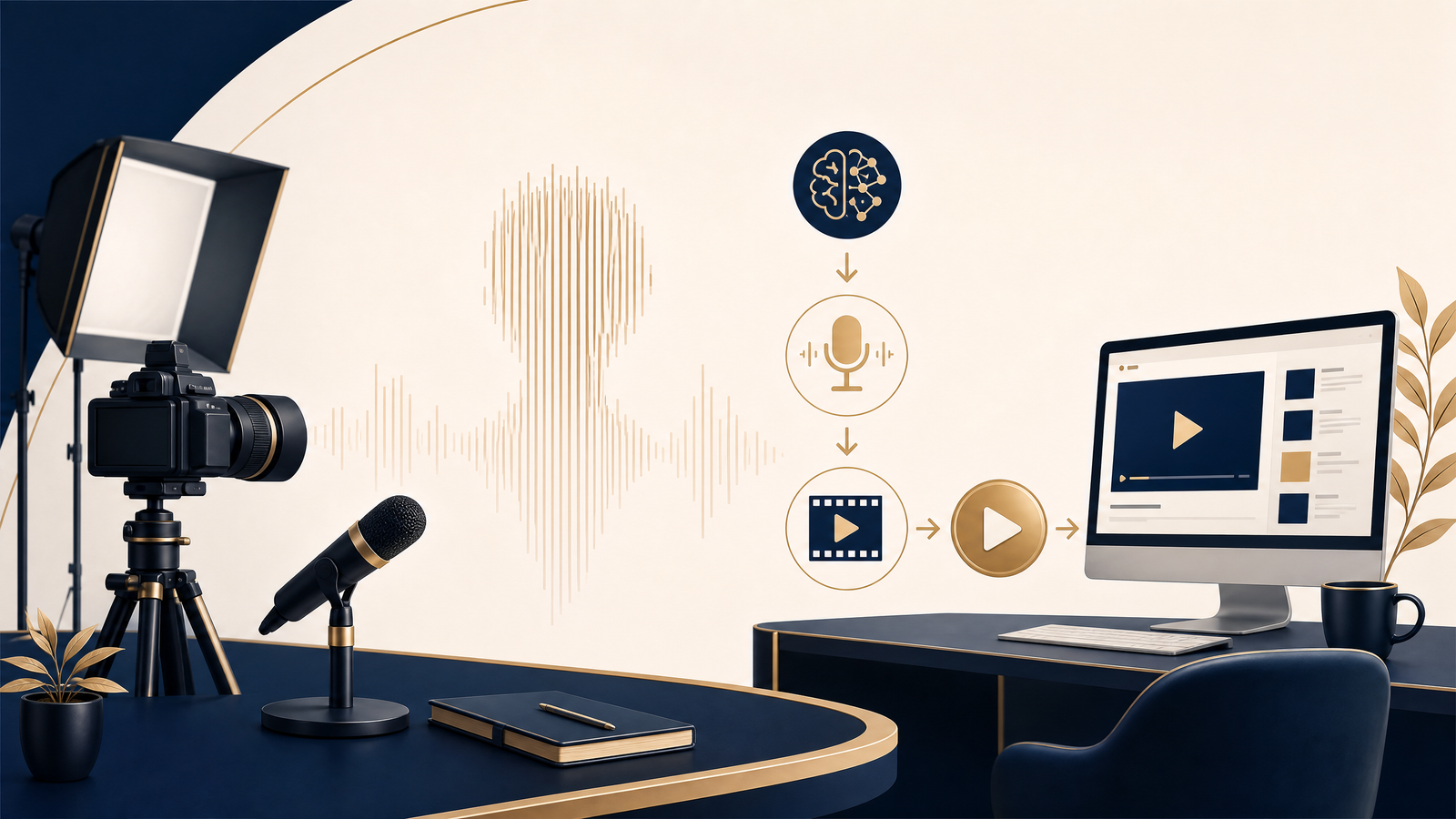
The narration is the part that stops most people. Either you hate your own voice, you do not have a quiet room, or you cannot face re-recording a ten-minute script because you fumbled one line in the middle. AI voiceover removes that blocker entirely.
What you actually need
| Piece | Option | Cost |
|---|---|---|
| Script | Any AI chat tool, or write it yourself | Free |
| Voiceover | ElevenLabs | Free tier, then ~$5/mo |
| Visuals | Pexels, Pixabay, or screen recordings | Free |
| Editing | CapCut or DaVinci Resolve | Free |
| Thumbnails | Canva | Free tier |
The entire stack runs at zero cost until you outgrow the free tiers. The only line that reliably needs paying for is the voice, and only once you are publishing regularly.
Step 1 — pick a niche that suits narration
Faceless works best where the information carries the video and a presenter would add nothing. Explainers, list videos, history, finance breakdowns, product comparisons, tutorials.
It works badly where personality is the product — vlogs, reaction content, comedy. If your idea only works because of who is saying it, faceless is the wrong format.
Niche also decides what you earn. A finance channel earns several times what an entertainment channel does at the same view count, which matters more than most beginners realise — see YouTube RPM by niche before committing.
Step 2 — write for the ear, not the eye
This is where most AI-narrated videos fail. Text that reads well often sounds wrong out loud.
Keep sentences short. Cut clauses that need a comma to survive. Read every paragraph aloud before it goes near a voice generator — if you run out of breath, the sentence is too long, and the synthetic voice will make that worse rather than better.
For length, a 10-minute video needs roughly 1,300 to 1,500 words. Check your own script with the words to minutes calculator.
Step 3 — generate the voiceover
ElevenLabs is the tool most faceless channels settle on, because it is the most convincing synthetic speech generally available and the free tier is enough to test the whole workflow.
The workflow is simple: paste a section of script, pick a voice, and generate. Each generation shows the credit cost before you commit to it.
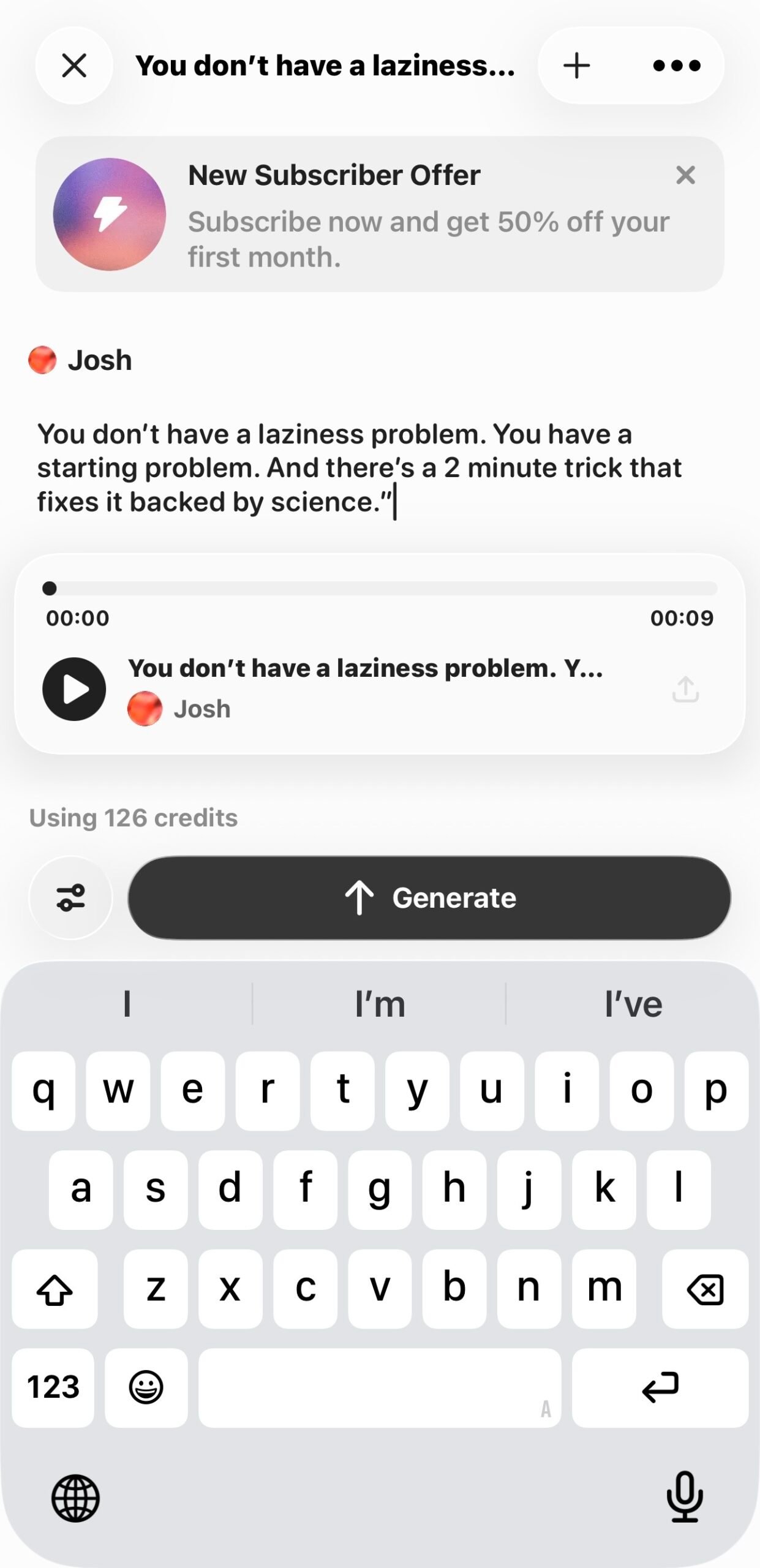
What it does well: natural intonation, dozens of voices, cloning your own voice if you want consistency without recording, and dubbing a finished video into other languages while keeping the voice character.
Where it falls short: over a long narration, the rhythm can flatten in a way attentive listeners notice. It also mispronounces unusual names and technical terms, so you will need to check those and sometimes respell them phonetically.
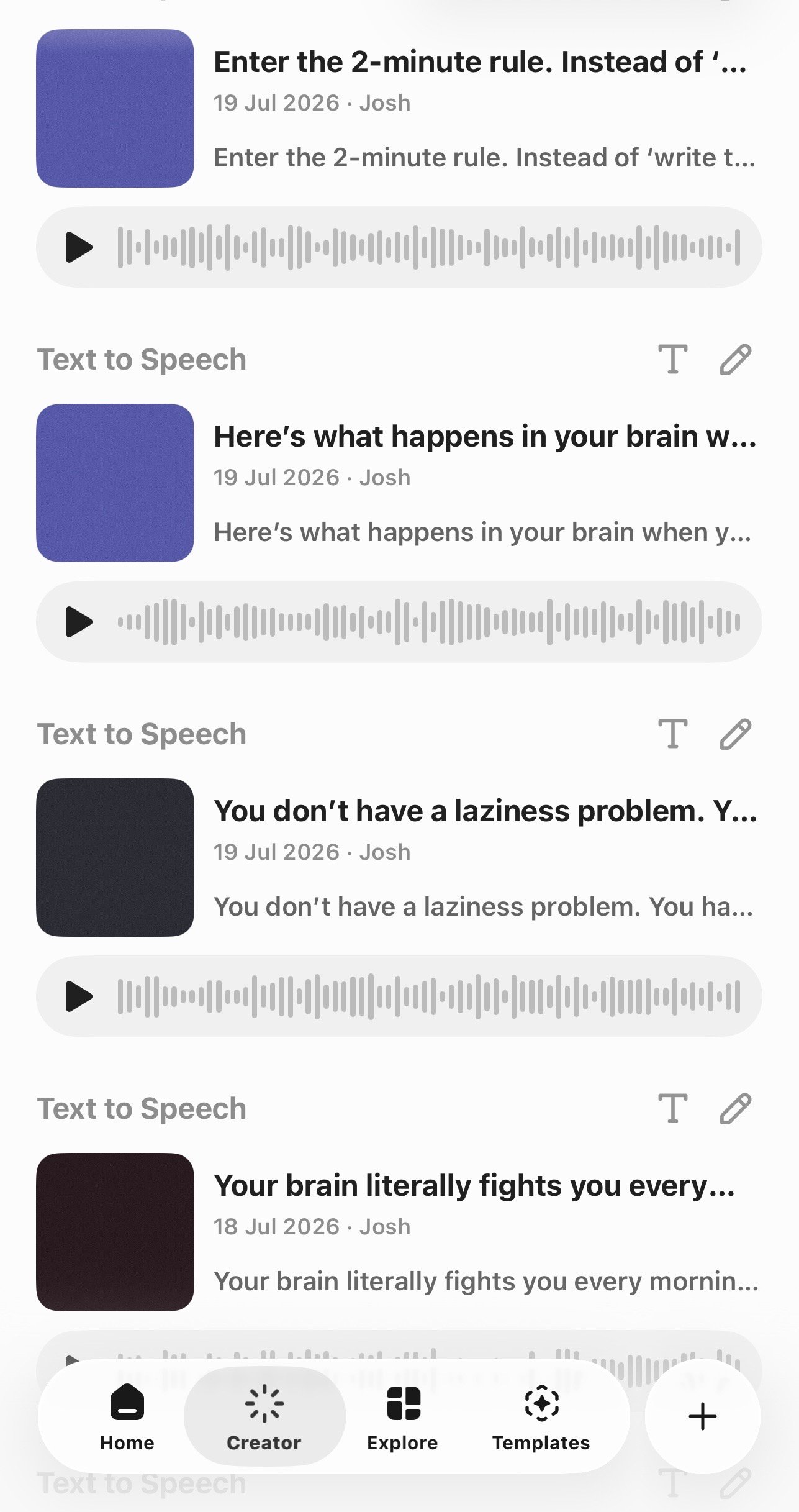
Practical tips: generate in paragraph-sized chunks rather than one long block — easier to regenerate a single bad section. Use punctuation deliberately, since commas and full stops drive the pacing. And keep one voice across your whole channel; switching voices between videos quietly damages the sense that there is a person behind it.
Step 4 — assemble the video
Lay the audio down first, then cut visuals to match it. This is the opposite of how most people work, and it is why faceless videos often feel loose — footage chosen first drags the pacing around.
Change what is on screen every 5 to 8 seconds. It does not need to be dramatic; a slow zoom, a new clip, a text overlay of the key number. Static visuals over long narration is the fastest way to lose a viewer.
Add captions. A large share of viewers watch muted, and captions also help when a synthetic voice mispronounces something.
Step 5 — disclosure and the rules
YouTube requires you to disclose realistic synthetic content that could mislead viewers. A clearly informational video with an obviously narrated voiceover generally does not trigger this, but the policy has changed more than once — check the current wording rather than trusting a blog post, including this one.
What does get channels demonetised is mass-produced, unoriginal content: the same template repeated with swapped topics and no added value. AI assistance is fine. AI-generated filler at volume is not, and that distinction is where a lot of faceless channels have been caught out.
Only clone a voice that is your own or one you have explicit written permission to use.
What to expect financially
Realistically, a new faceless channel earns nothing for months. Monetisation requires 1,000 subscribers plus 4,000 watch hours, or 10 million Shorts views in 90 days.
Once monetised, what you earn depends far more on niche than on view count. And if you are leaning on Shorts to get there, know the numbers first — Shorts pay roughly $0.05 to $0.15 per 1,000 views, about a fiftieth of long-form.
The channels that work treat AI as a way to publish consistently, not as a way to publish more. Twenty good videos beat two hundred generated ones, and the algorithm has become good at telling the difference.
Frequently asked questions
Can a faceless channel get monetised? Yes. YouTube has no rule against it. The requirement is original content with genuine value, not a visible presenter.
Is ElevenLabs free? There is a free tier with a monthly character limit — enough to test the workflow and produce a few short videos. Regular publishing needs a paid plan, starting around $5 a month.
Do I have to say the voice is AI? Disclosure is required for realistic synthetic content that could mislead. Informational narration usually does not qualify, but check YouTube’s current policy, as it has been revised repeatedly.
How long until it earns anything? Six months to a year is normal, and many channels never reach the threshold. Anyone promising faster is selling something.
Can I use my own cloned voice? Yes, and it is a good option if you want consistency without recording sessions. Cloning anyone else’s voice without written permission is not acceptable.
Related QTools tools and articles
- Words to Minutes Calculator — time a narration script before recording.
- YouTube RPM by Niche — compare earning potential by topic.
- How Much Do YouTube Shorts Pay? — understand short-form revenue.